

In today’s data-driven world, analyzing and manipulating data efficiently is a must-have skill. Pandas is one of the most powerful Python libraries designed specifically for data analysis and manipulation.
Whether you’re working on data science, machine learning, or analytics, Pandas makes handling structured data simple and intuitive.
🚀 What is Pandas?
Pandas is an open-source Python library built on top of NumPy. It provides easy-to-use data structures and data analysis tools.
🔑 Key Features:
- Fast and efficient data manipulation
- Handles missing data easily
- Powerful grouping and filtering
- Supports multiple file formats (CSV, Excel, JSON)
- Integration with visualization libraries
📦 Installing Pandas
You can install Pandas using pip:
pip install pandas
Or if you’re using Anaconda:
conda install pandas
📊 Core Data Structures
1. Series (1D Data)
A Series is like a single column of data.
import pandas as pddata = [10, 20, 30]
series = pd.Series(data)
print(series)
2. DataFrame (2D Data)


A DataFrame is a table with rows and columns.
data = {
    "Name": ["Sagar", "Aman", "Riya"],
    "Age": [25, 23, 22]
}df = pd.DataFrame(data)
print(df)
Core Features Explained
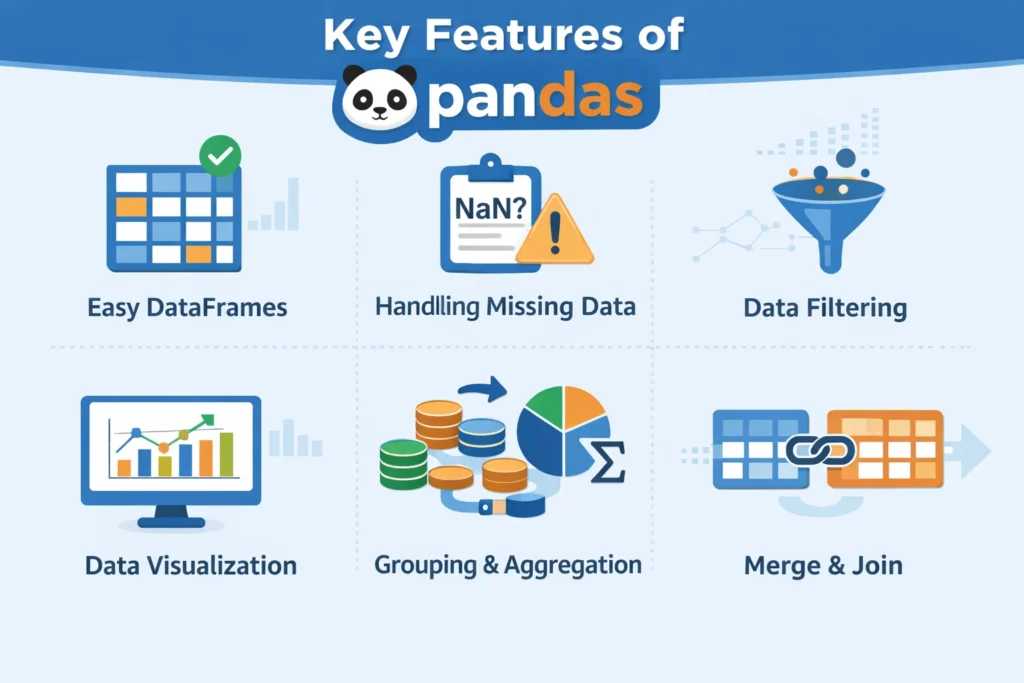
- Easy DataFrames
Pandas provides a powerful DataFrame structure that makes it easy to store, organize, and manipulate tabular data like spreadsheets. - Handling Missing Data
Built-in functions likefillna()anddropna()help you efficiently manage missing or null values in datasets. - Data Filtering
You can quickly filter and extract specific data using conditions, making analysis fast and flexible. - Data Visualization
Pandas integrates with libraries like Matplotlib to create basic charts and graphs directly from your data. - Grouping & Aggregation
Usinggroupby(), you can group data and perform operations like sum, mean, count, etc., for deeper insights. - Merge & Join
Easily combine multiple datasets using functions likemerge(),join(), andconcat().
⚡ Real-World Example
import pandas as pddf = pd.read_csv("employees.csv")# Clean data
df = df.dropna()# Filter high salary employees
high_salary = df[df["Salary"] > 50000]# Average salary
avg_salary = df["Salary"].mean()print(avg_salary)
🌐 External Resources
- Official Documentation: https://pandas.pydata.org/docs/
- Pandas GitHub: https://github.com/pandas-dev/pandas
- NumPy (Dependency): https://numpy.org/
- Kaggle Datasets: https://www.kaggle.com/datasets
🎯 Why Learn Pandas?
- Essential for Data Science & AI
- Used in Machine Learning pipelines
- Helps in real-world data handling
- Widely used in industry
🏁 Conclusion
Pandas is a must-learn library for anyone working with data in Python. From data cleaning to analysis and visualization, it provides everything you need in one place.
Start practicing with real datasets and build projects to master Pandas quickly.
🔖 Hashtags
#Pandas #Python #DataScience #MachineLearning #DataAnalysis #Programming #AI #NumPy #Analytics #LearnPython #Coding #Developers #TechBlog #BigData #DataCleaning