
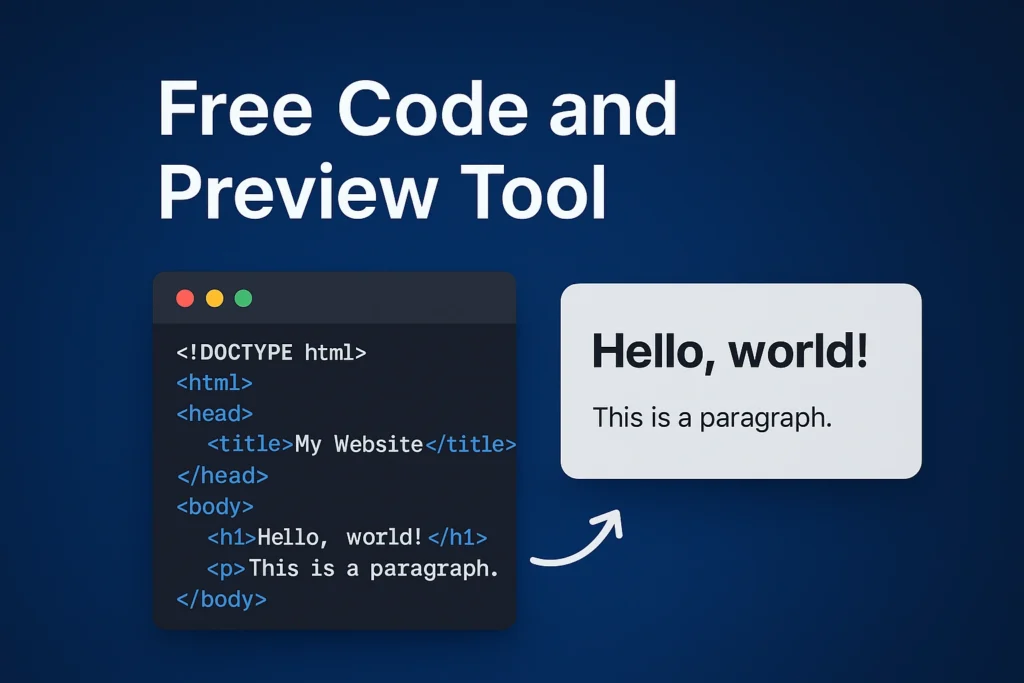
Code
Preview
Our HTML Live Code Editor allows you to write HTML code and instantly see the output in real time, without refreshing the page. This tool is designed for students, beginners, bloggers, and developers who want a simple and fast way to test HTML snippets directly in the browser.
Whether you are learning HTML for the first time or quickly experimenting with a layout, this live editor helps you visualize your code instantly.
🚀 How This HTML Live Preview Tool Works
Using this tool is very simple:
- Write or paste your HTML code in the Code editor section.
- As you type, the Preview section updates automatically.
- The output is rendered safely inside the browser without affecting the website.
- You can test headings, paragraphs, links, images, lists, tables, and more.
There is no need to install any software or sign up — everything works directly on this page.
✨ Features of Our HTML Live Editor
- ✅ Real-time HTML preview
- ✅ Full-width code editor for better readability
- ✅ Clean and distraction-free interface
- ✅ Safe sandboxed preview
- ✅ Mobile-friendly layout
- ✅ No login or registration required
This makes the tool perfect for quick testing, practice, and learning.
📘 Who Can Use This Tool?
This HTML editor is useful for:
- Beginners learning HTML
- Students practicing web development
- Developers testing small HTML snippets
- Bloggers checking HTML before publishing
- Teachers demonstrating HTML concepts
If you are just starting with web development, this tool helps you understand how HTML code translates into visual output instantly.
🧠 What Can You Test Using This Editor?
You can experiment with:
- HTML headings (
<h1>to<h6>) - Paragraphs and text formatting
- Links and images
- Lists (ordered & unordered)
- Tables
- Basic page structures
- Inline styles
- Simple scripts
It’s ideal for learning and testing core HTML concepts.
🔐 Is This Tool Safe to Use?
Yes.
The preview runs inside a secure sandboxed environment, which means:
- Your code cannot access website data
- Cookies and sessions remain protected
- No impact on other users or pages
You can safely experiment with your HTML code here.
🌐 Why Use an Online HTML Editor?
An online HTML editor with live preview saves time and improves learning by:
- Eliminating the need for local setup
- Giving instant visual feedback
- Helping debug HTML faster
- Making learning more interactive
This is especially useful for beginners who want to focus on learning rather than configuration.
📌 Start Practicing HTML Now
Use the HTML Live Code Editor above to start writing and testing your HTML code instantly. Practice regularly, experiment freely, and improve your web development skills one step at a time.