Angular is a powerful frontend framework, but even experienced developers run into common errors like:
“Property ‘xyz’ does not exist on type…”
or
“Cannot read properties of undefined…”
These issues usually come from small mistakes in component logic, templates, or data binding. In this guide, we’ll break down why these errors occur and how to fix them step by step.
🔍 What Does This Error Mean?
In Angular, templates are tightly connected to your component class. When Angular cannot find a property you’re trying to use, it throws an error.
Example Error:
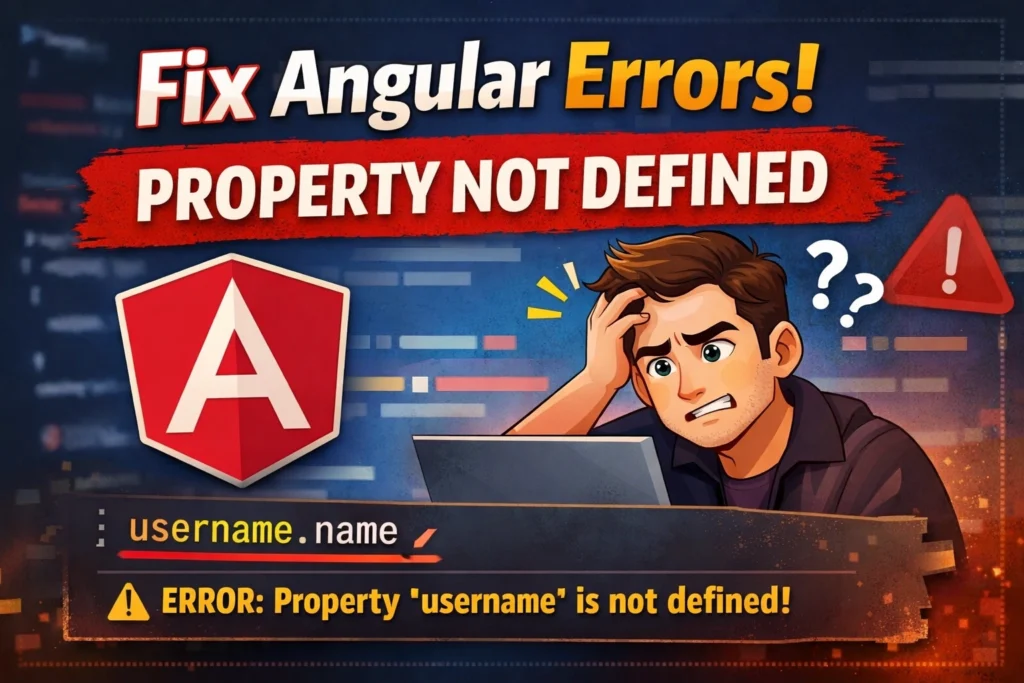
ERROR: Property 'username' does not exist on type 'AppComponent'
This simply means Angular is trying to access a variable that hasn’t been defined in your component.
⚠️ Common Causes & Fixes
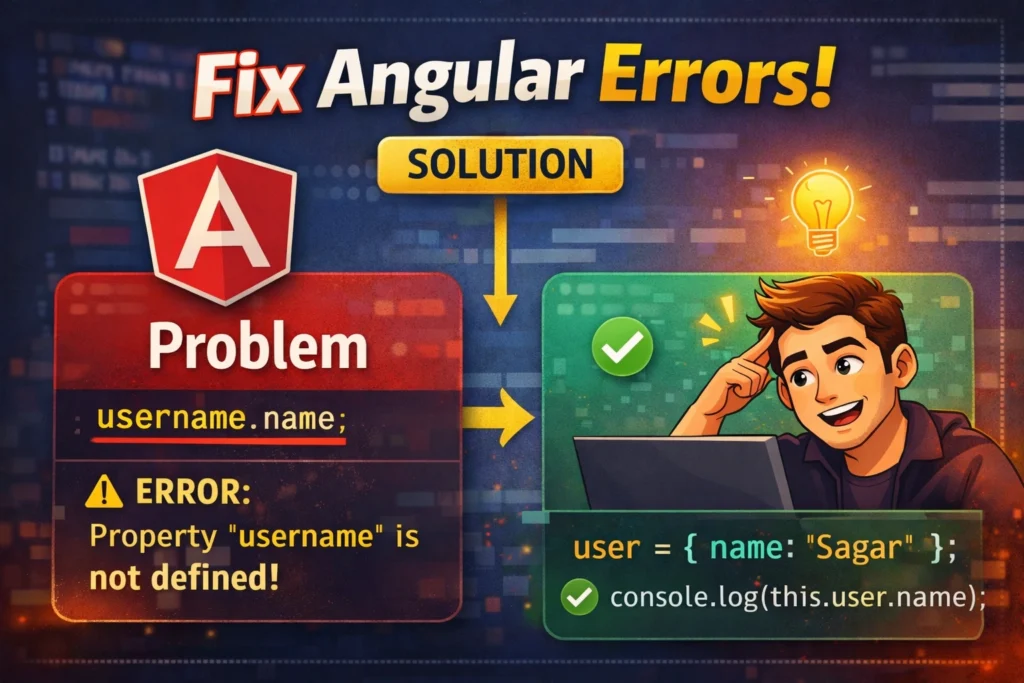
1. Property Not Declared in Component
❌ Problem:
<p>{{ username }}</p>
export class AppComponent {
  // username is missing
}
✅ Solution:
export class AppComponent {
  username = 'Sagar';
}
2. Typo in Property Name
❌ Problem:
<p>{{ userName }}</p>
export class AppComponent {
  username = 'Sagar';
}
✅ Fix:
Ensure consistent naming:
<p>{{ username }}</p>
3. Property Used Before Initialization
❌ Problem:
user: any;

ngOnInit() {
  console.log(this.user.name); // user is undefined
}
✅ Fix:
Initialize first:
user = { name: 'Sagar' };
Or use optional chaining:
console.log(this.user?.name);
4. Data Not Yet Loaded (Async Issue)
Very common when using APIs.
❌ Problem:
<p>{{ user.name }}</p>
user: any;

ngOnInit() {
  this.http.get('api/user').subscribe(res => {
    this.user = res;
  });
}
✅ Fix:
Use safe navigation operator:
<p>{{ user?.name }}</p>
5. Wrong Context in Template
❌ Problem:
<div *ngFor="let item of items">
  {{ user.name }}
</div>
✅ Fix:
<div *ngFor="let item of items">
  {{ item.name }}
</div>
6. Missing this in Component Logic
❌ Problem:
username = 'Sagar';

printName() {
  console.log(username); // ❌
}
✅ Fix:
printName() {
  console.log(this.username);
}
7. Interface or Type Issues
❌ Problem:
user: {};
console.log(this.user.name); // TS error
✅ Fix:
Define proper interface:
interface User {
  name: string;
}

user: User = { name: 'Sagar' };
🧠 Pro Tips to Avoid These Errors
- ✅ Always initialize variables
- ✅ Use TypeScript interfaces
- ✅ Enable strict mode in
tsconfig.json - ✅ Use optional chaining (
?.) - ✅ Follow consistent naming conventions
🔗 Helpful Resources
- Angular Official Docs: https://angular.io/docs
- TypeScript Handbook: https://www.typescriptlang.org/docs/
- Angular Error Guide: https://angular.io/errors
🚀 Bonus: Debugging Strategy
When you see “property not defined”:
- Check if the property exists in the component
- Verify spelling (case-sensitive)
- Check async data loading
- Add
console.log()to inspect values - Use Angular DevTools extension
📌 Conclusion
“Property is not defined” is one of the most common Angular errors, but it’s also one of the easiest to fix once you understand the root cause.
By following best practices like proper initialization, consistent naming, and safe data handling, you can eliminate these errors and write cleaner Angular code.
If you want, I can also generate 50 Angular error-based blog topics or SEO-optimized posts for your website 🚀