
🎬 Introduction
Whether you’re a YouTuber, social-media creator, filmmaker or hobbyist, choosing the right video editing software can make all the difference. In 2025, the landscape is packed with powerful tools—some free, some paid, some geared toward professionals, others built for fast social-shorts. Here are seven standout editors you should consider.
✅ Our Top 7 Picks for 2025
1. Adobe Premiere Pro

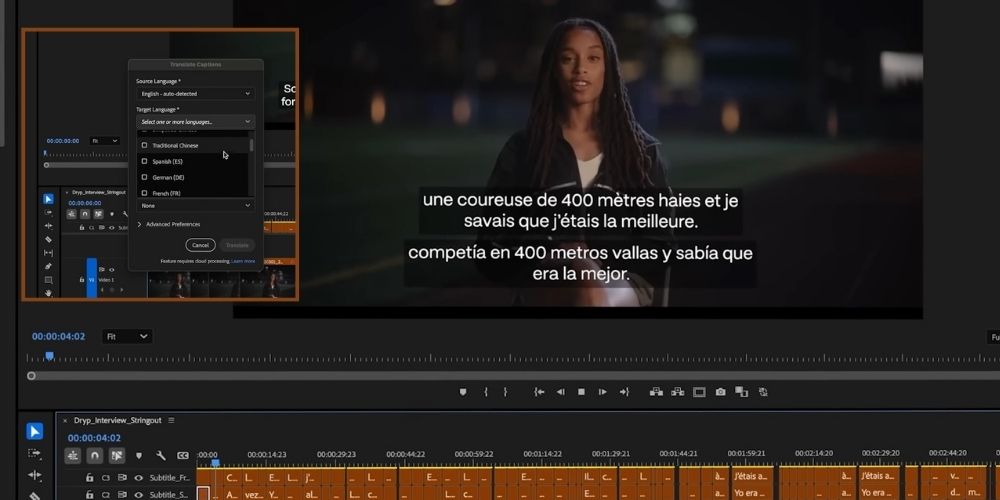
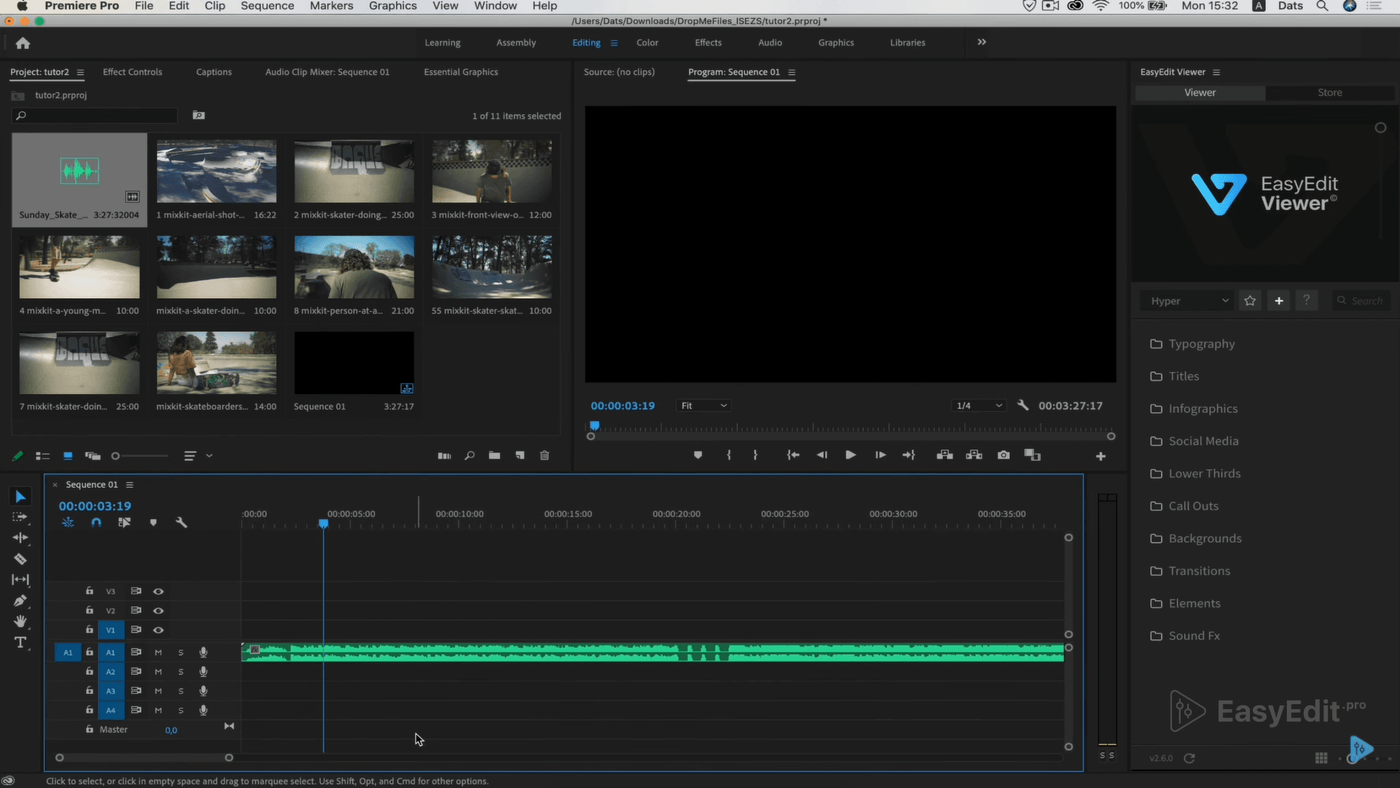
Why it stands out: Industry-standard for film & video production. The 2025 version adds AI-powered tools like Generative Extend, advanced scene search, and deep integration with the rest of the Adobe ecosystem. TechBloat+1
Best for: Professional editors, studios, creators working with complex workflows.
Considerations: Subscription cost and steep learning curve.
2. DaVinci Resolve
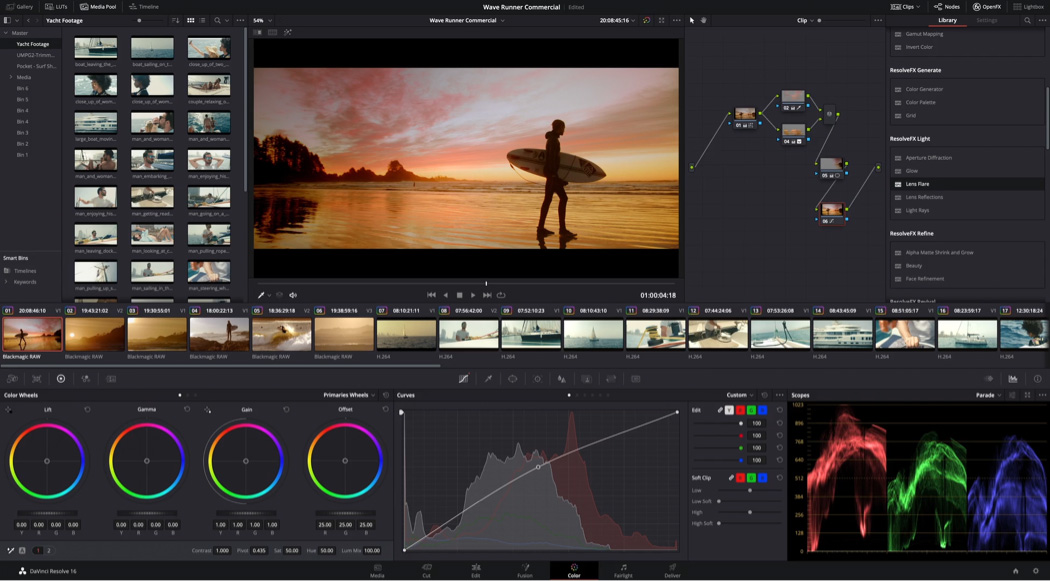
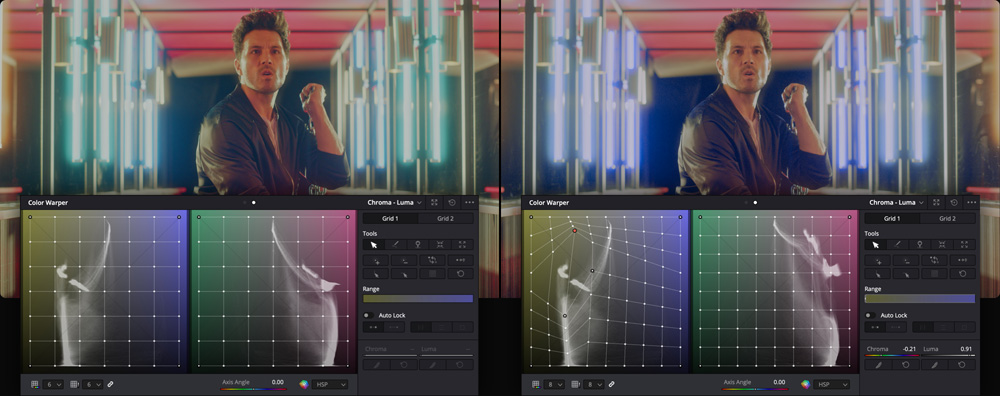
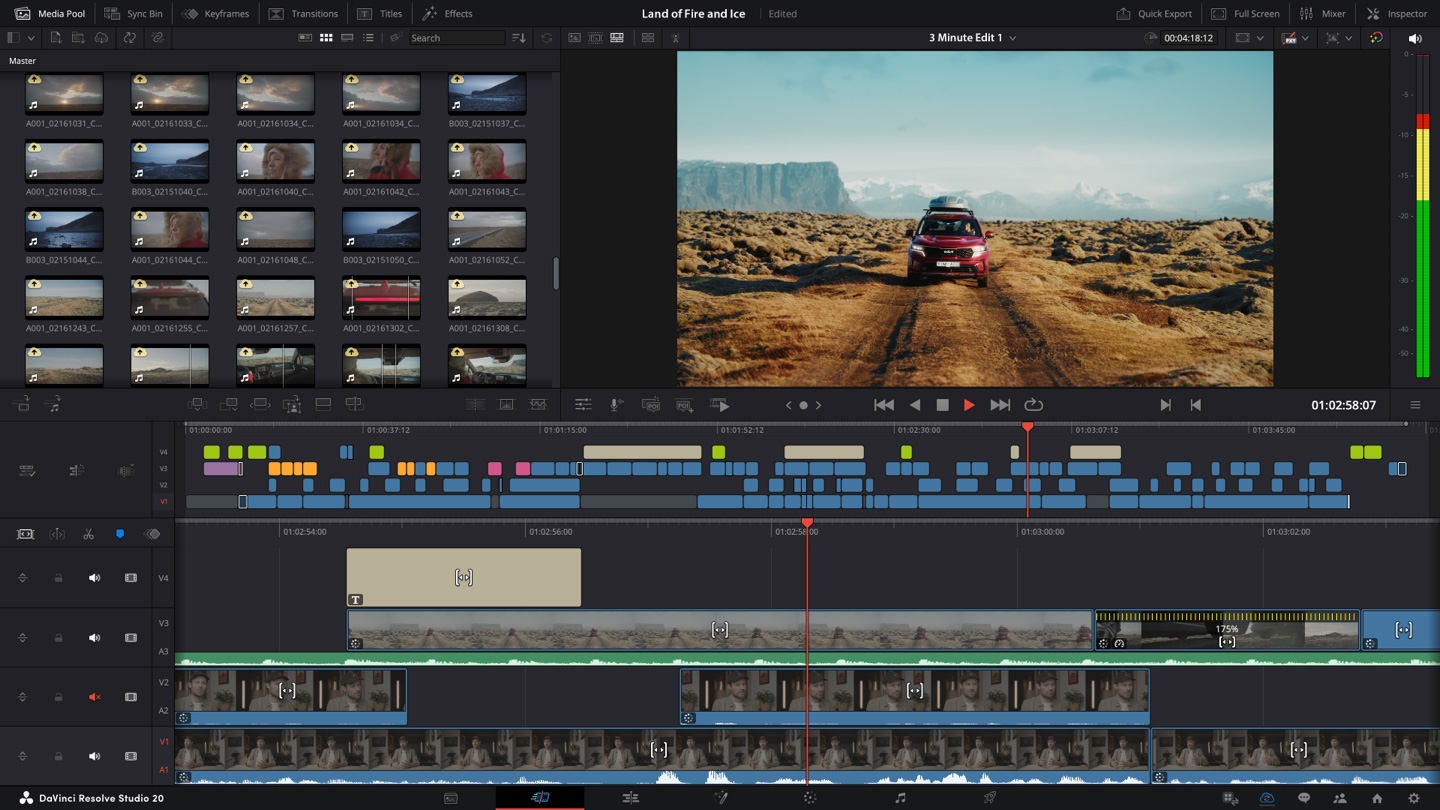
Why it stands out: Excellent free version with professional features—color grading, VFX, audio mixing—all in one. Ideal for serious creators on a budget. AlphaTechFinance+1
Best for: Filmmakers, indie creators, users wanting pro features for free.
Considerations: Can be heavy on system resources; learning curve for non-editors.
3. Final Cut Pro
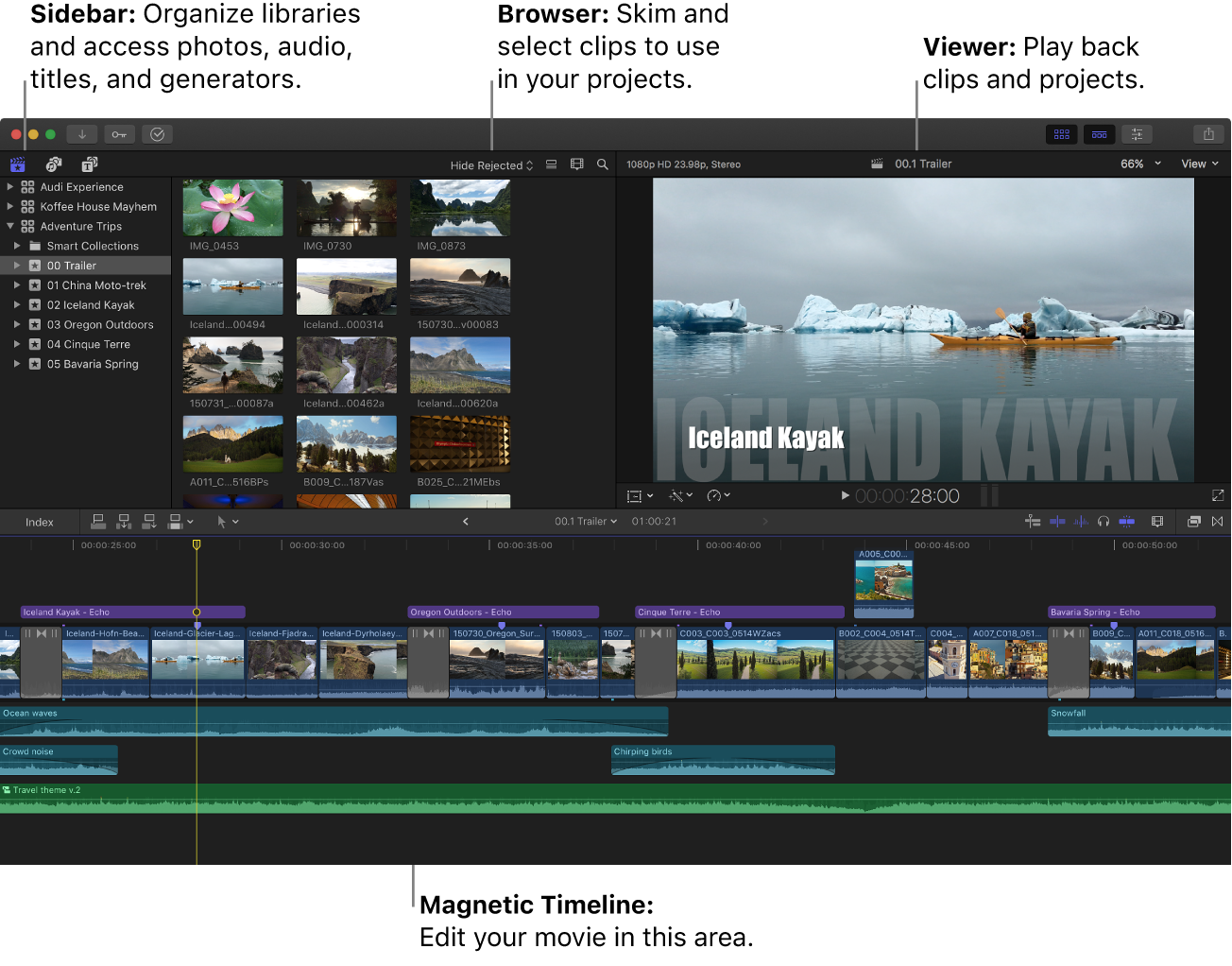
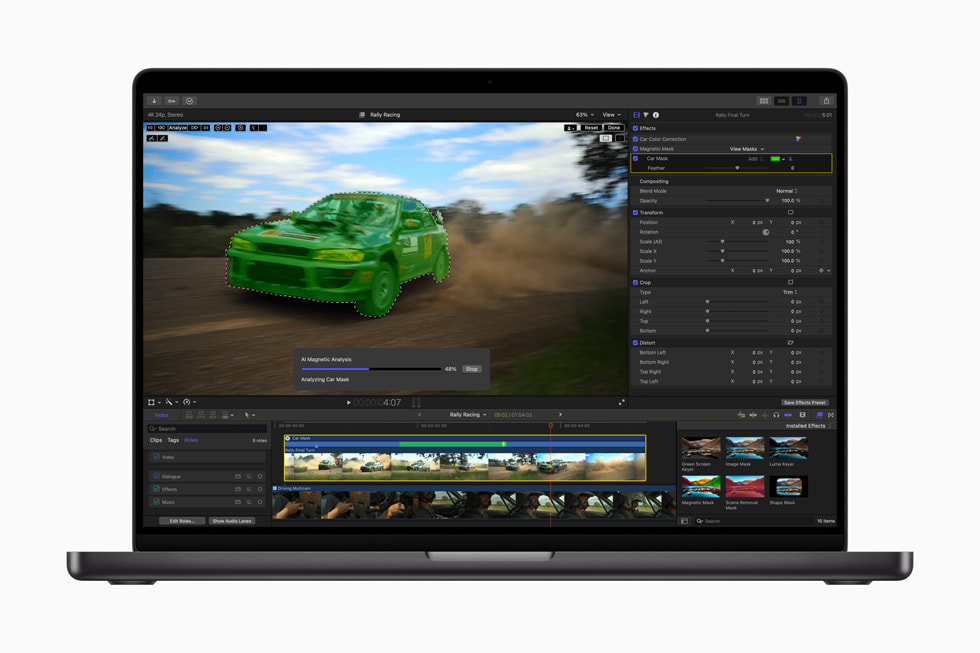
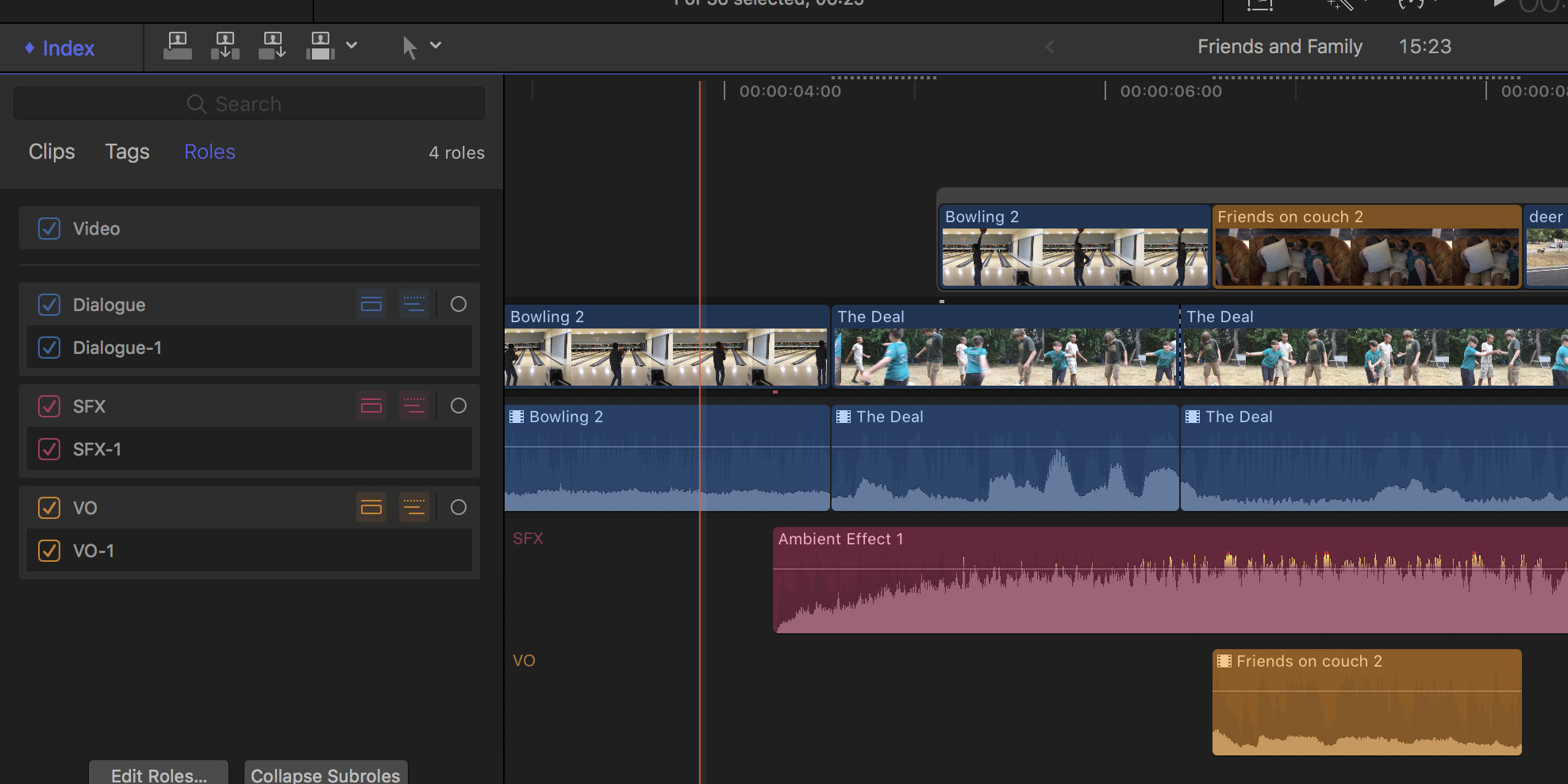
Why it stands out: Optimised for Mac, with smooth performance, efficient timeline editing and strong ecosystem support. AlphaTechFinance
Best for: Mac-only users, creators who prioritise speed & ease of use.
Considerations: Not available for Windows; cost is upfront rather than subscription.
4. Wondershare Filmora
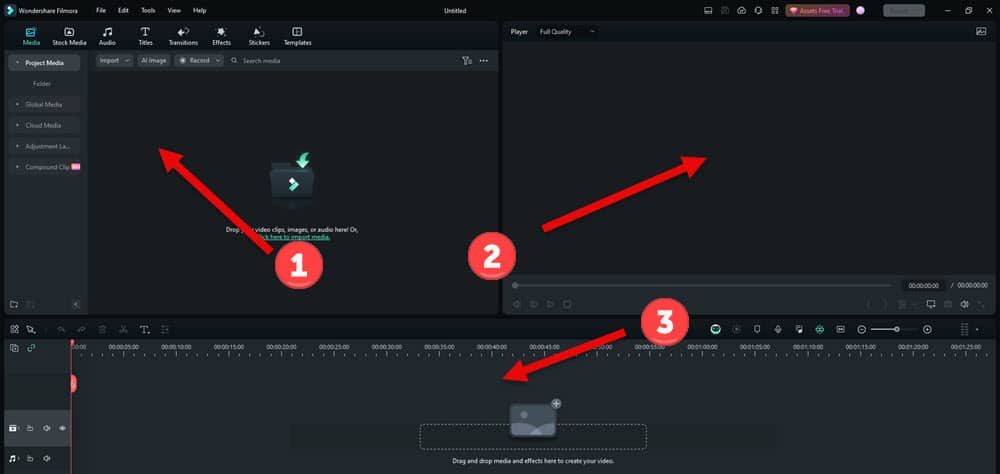
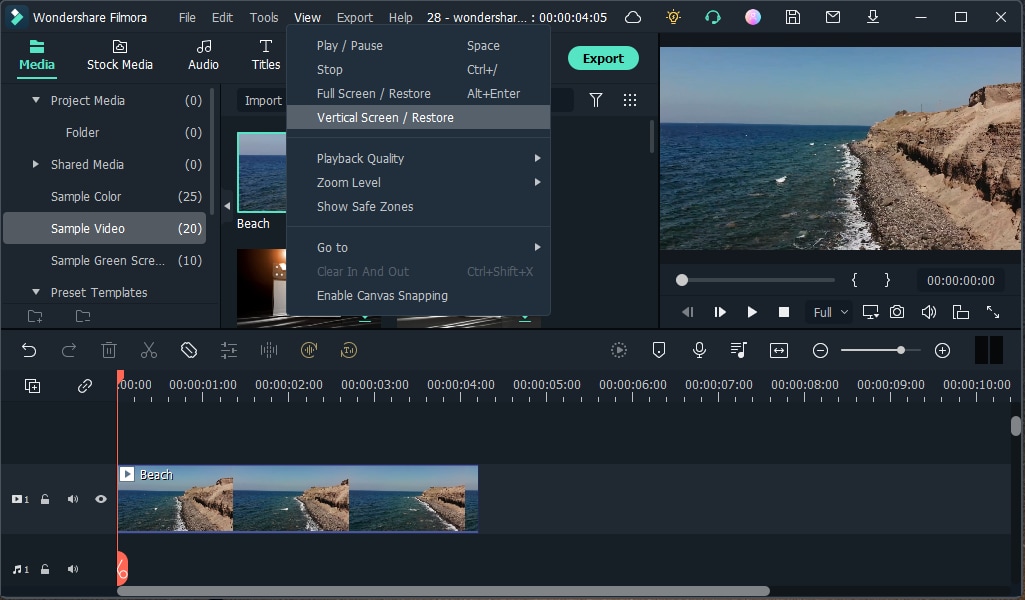

Why it stands out: A strong mid-level editor with intuitive drag-and-drop UI, AI enhancements, and suitable for creators targeting YouTube, social media and educational content. reigntheme.com+1
Best for: Beginners to intermediate editors who want speed + ease.
Considerations: Some advanced features reserved for higher tiers.
5. CyberLink PowerDirector (365)

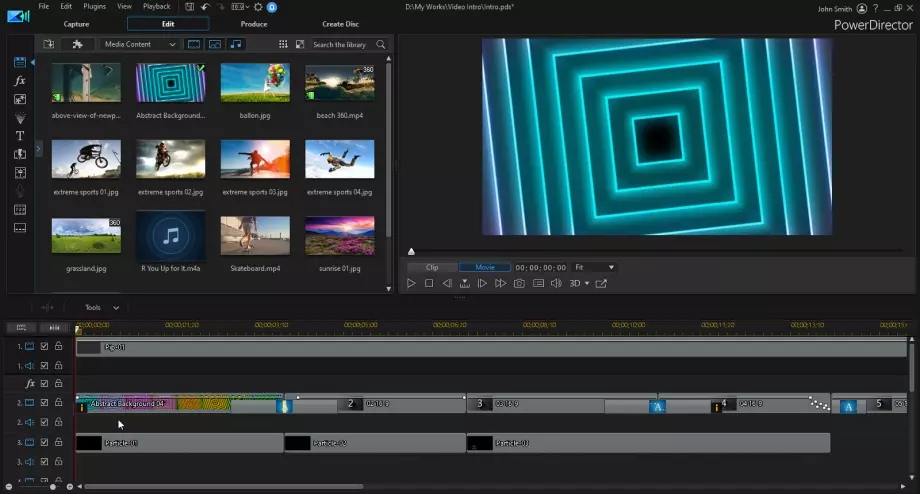

Why it stands out: Feature-rich, affordable subscription, great for creators, social media editors, and prosumers. webflow.rev.com+1
Best for: Intermediate editors who want professional tools but lower cost.
Considerations: Some keyboard interface differences across platforms.
6. CapCut (Desktop & Mobile)


Why it stands out: Excellent choice for quick edits, social media content—supports mobile & desktop. However, creators should check latest terms of use for content rights. TechRadar+1
Best for: TikTok/Instagram creators, beginners, fast turnaround editing.
Considerations: Less suitable for high-end production workflows; check privacy/licensing terms.
7. Kdenlive
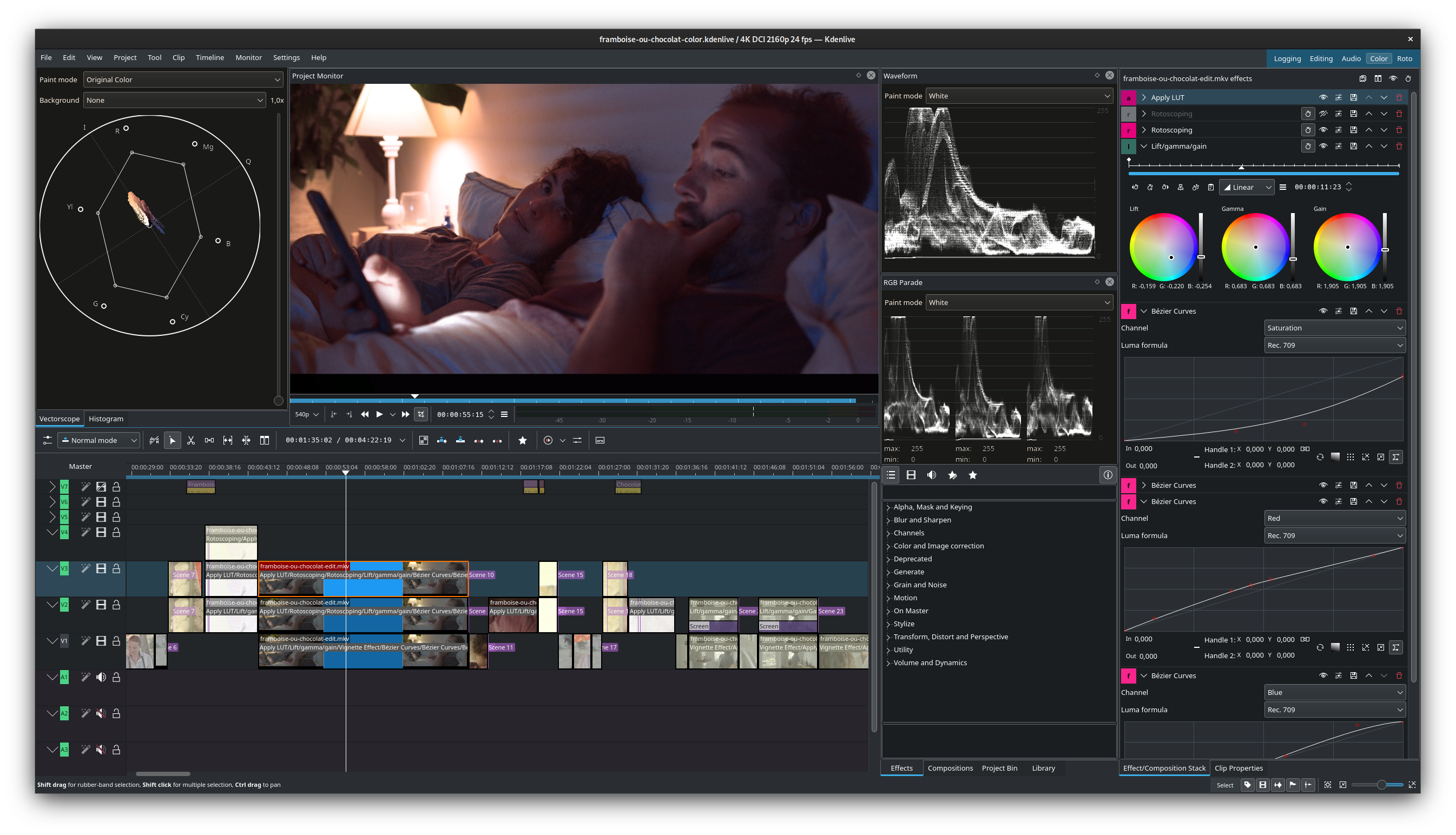
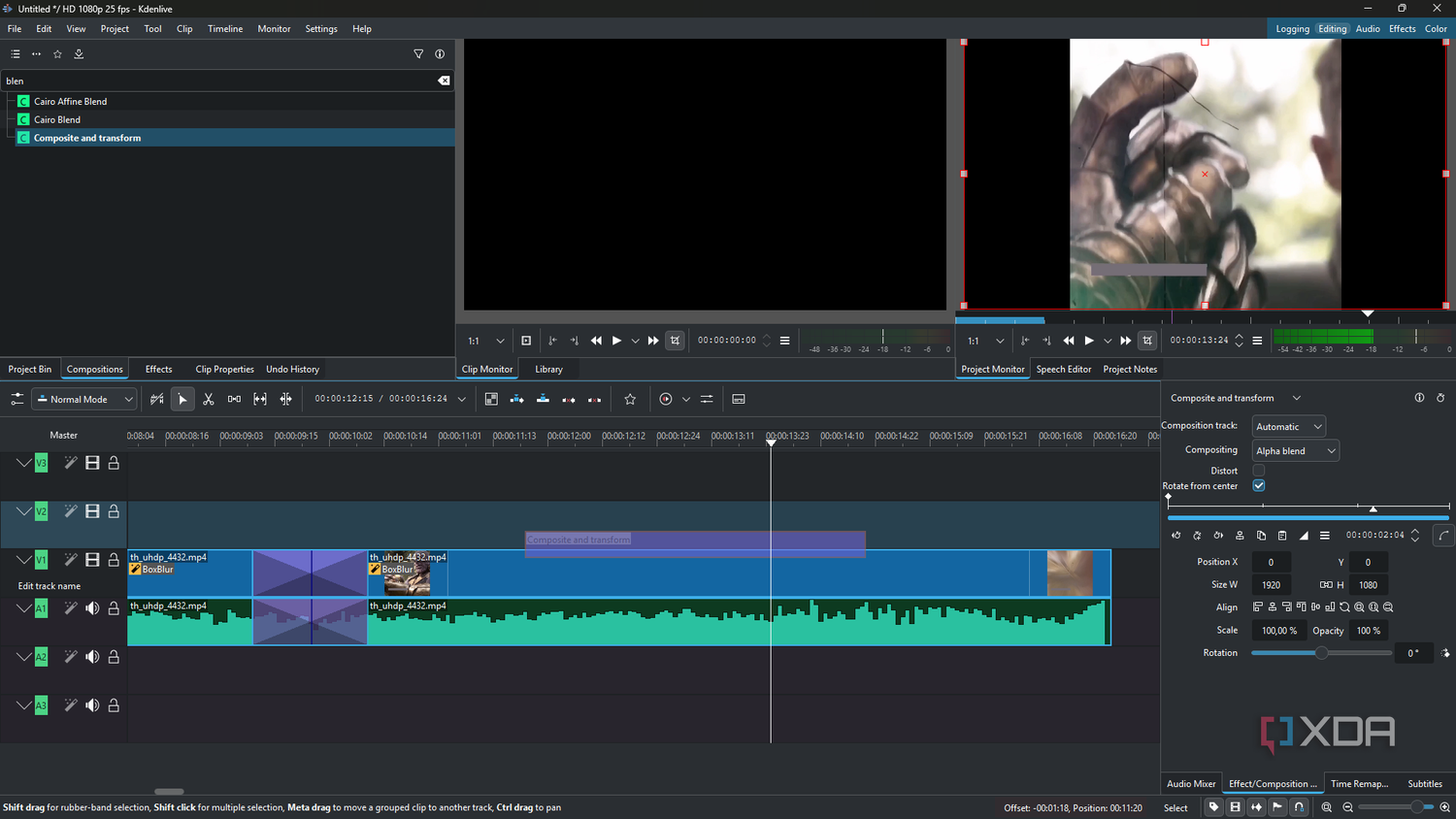
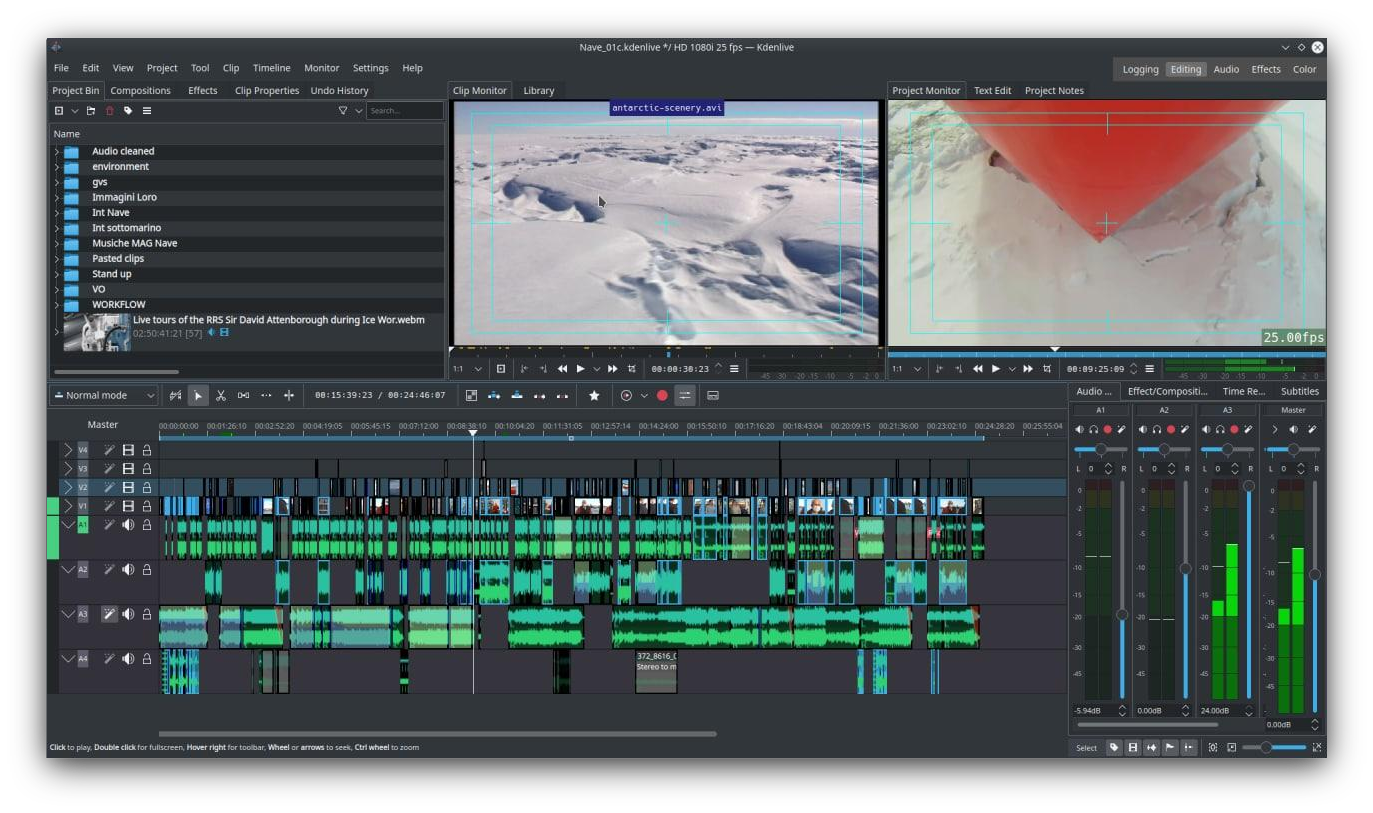
Why it stands out: Free, open-source, cross-platform (Windows, Linux, Mac), and capable of professional workflows for those willing to invest time. Wikipedia
Best for: Budget-conscious editors, open-source fans, users on Linux.
Considerations: Might lack polish of paid tools; support/community less commercial.
🧭 How to Choose the Right Software for You
Here are key factors to consider when selecting your video editor:
- Purpose: Are you editing YouTube videos, full films, social media clips, or educational content?
- Budget: Free vs one-time purchase vs subscription.
- Platform: Mac only, Windows, Linux, or mobile too?
- Ease of use: Do you prefer simple drag-and-drop or deep professional controls?
- Features needed: AI auto-cuts, colour grading, multi-cam, social export, template library.
- Hardware: Good GPU/CPU helps with heavy editing tasks.
- Support & updates: Frequent updates, large community, tutorials matter.
✅ Final Thoughts
In 2025, no shortage of video editing options—whether you’re a beginner or a pro. If you’re just starting out, something like Filmora or CapCut can get you rolling fast. Want pro gear? Premiere Pro or DaVinci will serve you well. Mac-only? Final Cut is compelling. On a budget or on Linux? Kdenlive is surprisingly potent. And for a middle ground, PowerDirector hits strong value. Choose what fits your workflow, budget, and goals. Start small, explore, and grow. Happy editing!